Design UI with your coding agent.
Experiment with live UI without cluttering your repo with throwaway prototypes.
Simple pricing for people who ship.
Pro
For people who ship.
$12 / month
- Unlimited projects
- Every device frame
- Snapshots
Simple pricing for people who ship.
Pro
For people who ship.
$12 / month
- Unlimited projects
- Every device frame
- Snapshots
Simple pricing for people who ship.
Pro
For people who ship.
$12 / month
- Unlimited projects
- Every device frame
- Snapshots
Simple pricing for people who ship.
Pro
$10 / month
Billed yearly, two months free.
Choose ProSimple pricing for people who ship.
Pro
$10 / month
Billed yearly, two months free.
Choose ProSimple pricing for people who ship.
Pro
$10 / month
Billed yearly, two months free.
Choose ProSimple pricing for people who ship.
Starter
3 projects
$0
ProPopular
Unlimited projects
$12
Team
Shared projects
$29
Simple pricing for people who ship.
Starter
3 projects
$0
ProPopular
Unlimited projects
$12
Team
Shared projects
$29
Simple pricing for people who ship.
Starter
3 projects
$0
ProPopular
Unlimited projects
$12
Team
Shared projects
$29
Classic
Toggle
Tiers
Simple pricing for people who ship.
Pro
$10 / month
Billed yearly, two months free.
Choose ProSimple pricing for people who ship.
Pro
$10 / month
Billed yearly, two months free.
Choose ProSimple pricing for people who ship.
Pro
$10 / month
Billed yearly, two months free.
Choose ProPrivate by design.
Your prototypes stay on your Mac, outside your repo. Sneak Peek never uploads them, or your code.
Works with the agent you already use.
Claude Code and Codex work with Sneak Peek as they are: signed in as you, on the plan you already pay for. Sneak Peek is free.
Every pixel is your code.
Click anything to see the file and line it comes from, and tune it right there. Not a picture of your UI. The code itself.
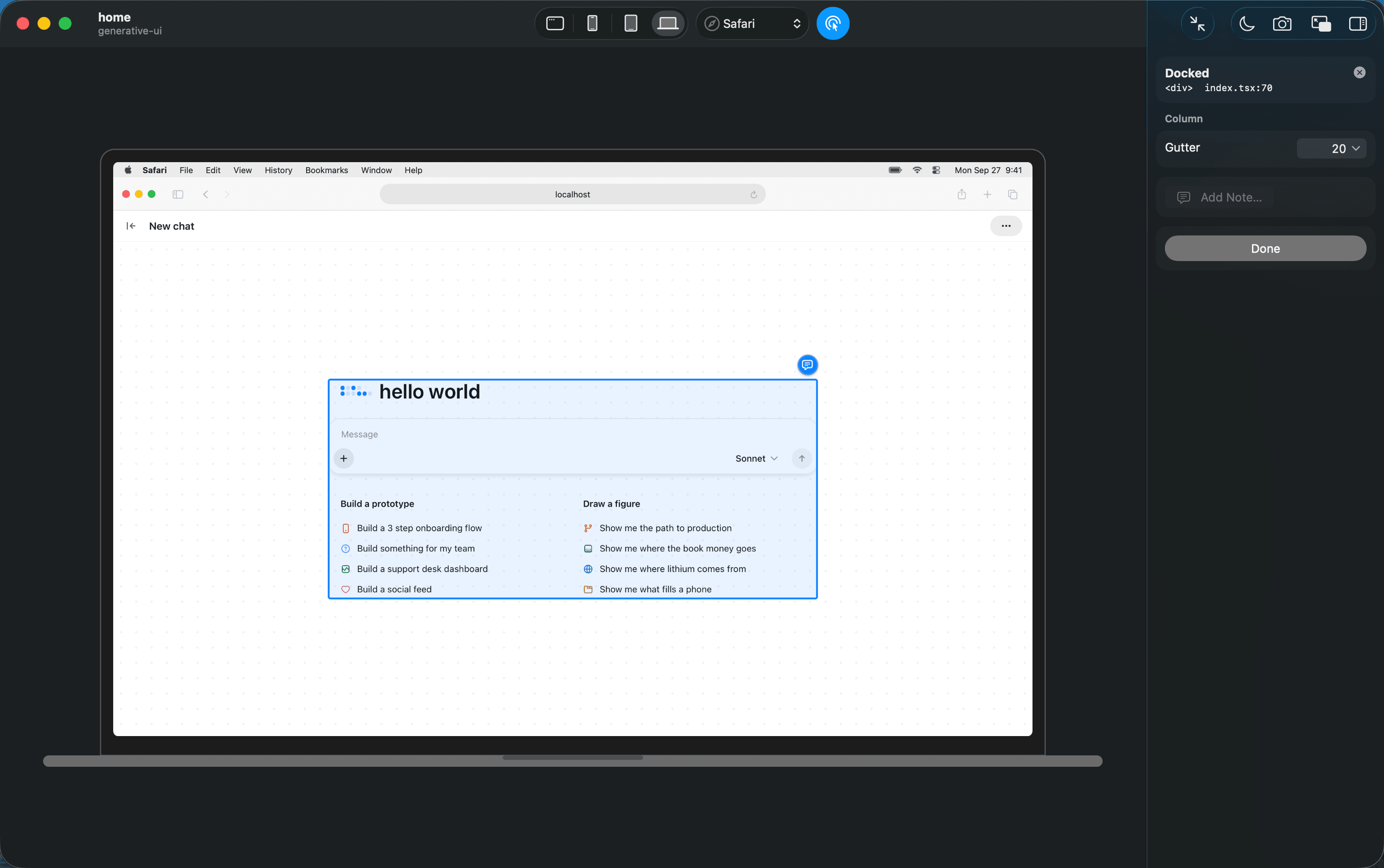
Others draw your UI. Sneak Peek runs it.
Design tools redraw or copy your interface, and someone translates it into code later. Here there is nothing to translate. Compared in October 2026.
| Sneak Peek |  Paper Paper |  Magic Patterns Magic Patterns | Claude Design |  Pencil Pencil | |
|---|---|---|---|---|---|
| On the canvas | Your project's code, running | HTML and CSS drawn in Paper | UI generated in its cloud | An HTML prototype, from a design system it builds out of your code | Design layers in a .pen file |
| Into your code | Nothing to do. It already imports from your repo | Export to React | GitHub sync, export or MCP | Handoff to Claude Code | Your agent converts the .pen file |
| AI cost | Free. Uses the agent you have | Free for 100 MCP calls a week, Pro from $20 a month | Credits, from $20 a seat a month | Shares your Claude plan's limits | Free. Uses the agent you have |
Start in a minute.
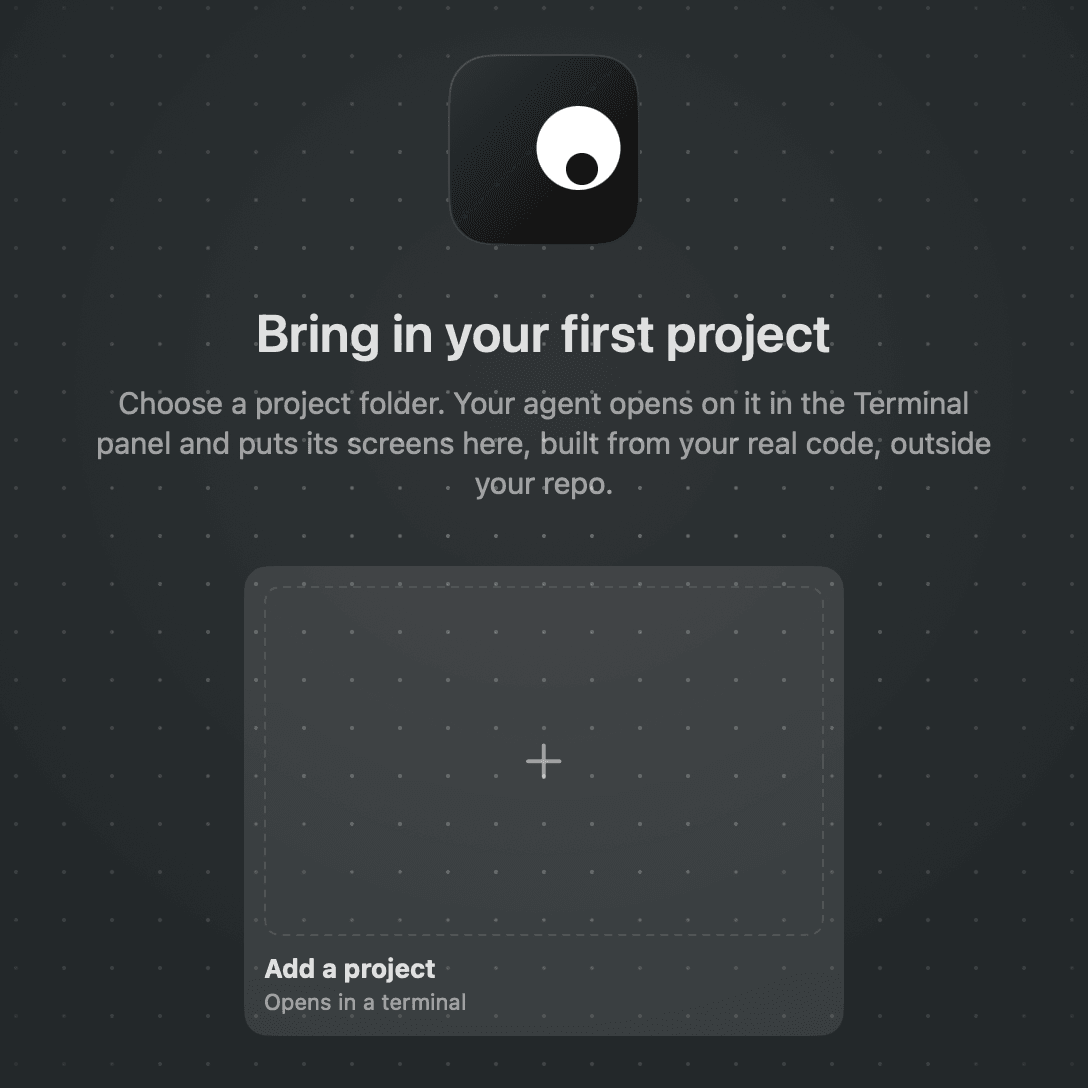
Add your project
Choose its folder. Nothing in it changes.
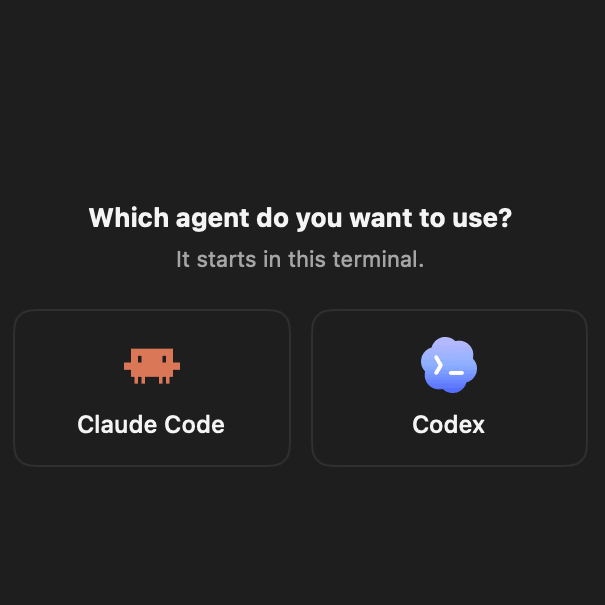
Pick your agent
Claude Code or Codex, the one you already use.
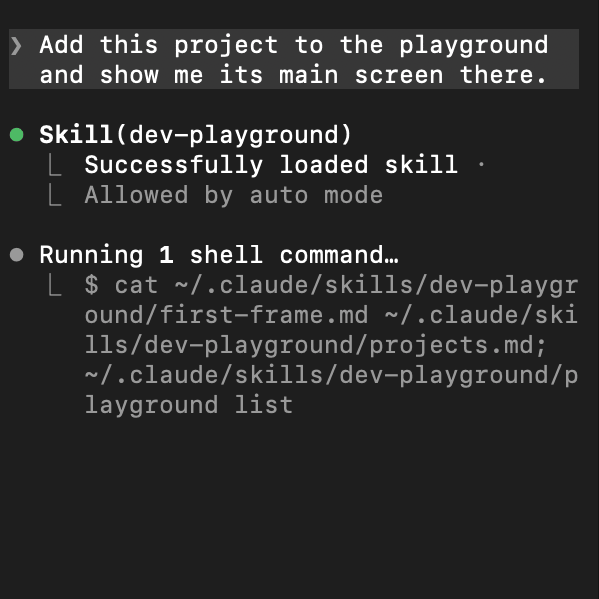
Ask for a few takes
Your main screen comes first, then each take.
Questions.
Is it free?
Yes. Sneak Peek is free to download and use. Claude Code or Codex runs on your own plan, as it always does.
Does my code leave my Mac?
No. Prototypes live on your Mac and import components straight from your repo. Sneak Peek never uploads your code.
Will it change my repo?
No. Prototypes live outside your project, in the app's own folder. Nothing in your repo changes unless you ask your agent to build the winner into it.
Which projects work?
React web projects on Next.js or Vite, with or without Tailwind. React Native is not supported yet.
What do I need?
A Mac with Apple silicon on macOS 14 or later, and Claude Code or Codex. Google Chrome helps your agent take screenshots of your prototypes when the app is closed.
Do I have to sign in?
No, you can continue as a guest. Signing in with GitHub or Google tells me who is using it, so I can reach you about it. Sharing usage is optional either way, and you can turn it off in Settings. Read the privacy page